Napa City Staff Legistar Administration Training - January 27, 2025
STREAMING COPY IN PREPARATION — RECORDING AVAILABLE FROM THE ORIGINAL SOURCE
Napa City Staff Legistar Administration Training - January 27, 2025
This training session, held on January 27, 2025, from approximately 6:45 PM to 8:15 PM UTC, focused on Legistar administration for City of Napa staff. Carolyn (Granicus trainer) led the session, with participation from Sam, Natalia, and Tiffany. The meeting addressed key administrative functions, including managing body types, workflows, user accounts, and permissions, with a goal of streamlining operations and preparing for the migration of boards and commissions from Media Manager to Legistar.
Discussion Items
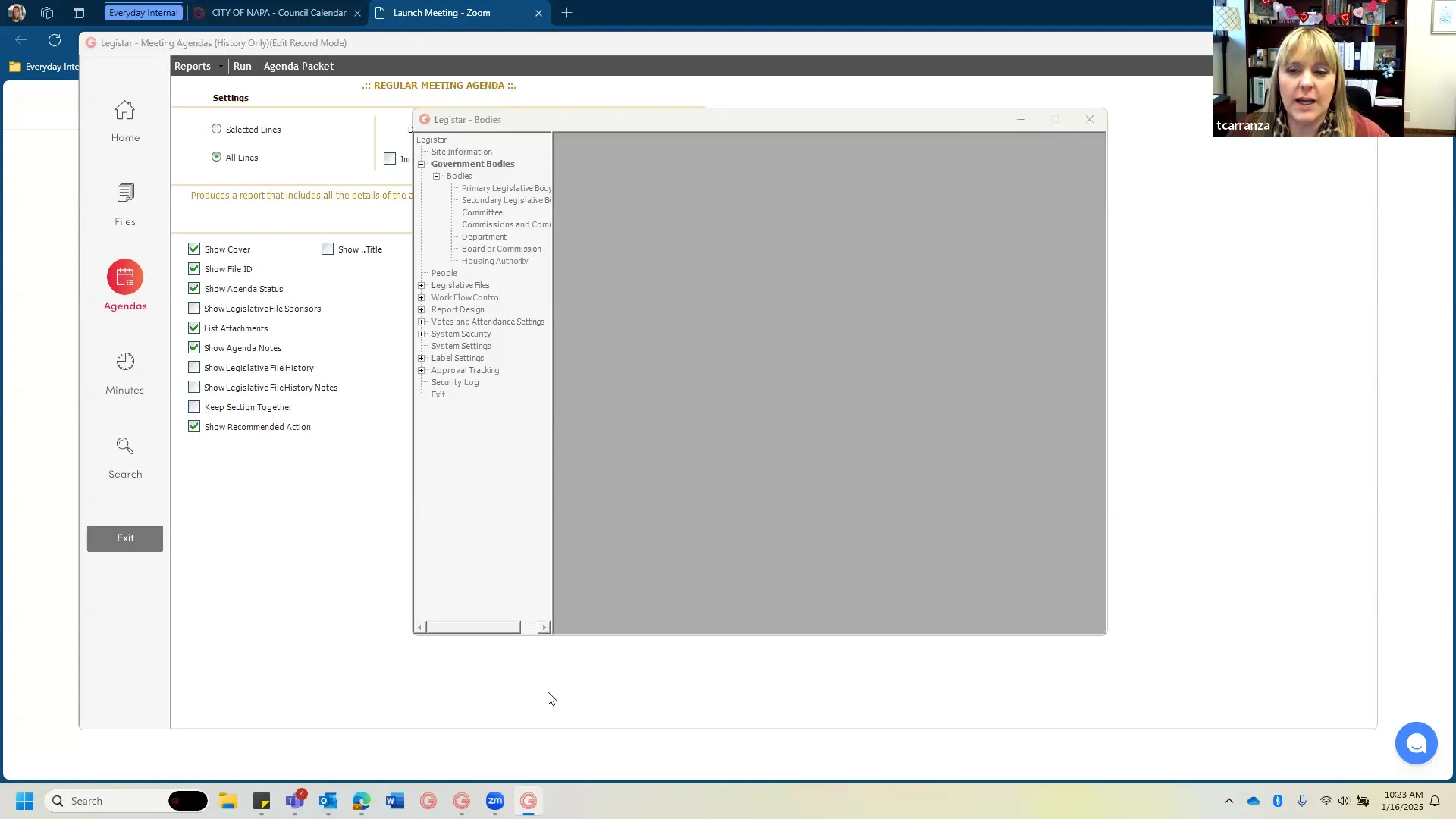
- Site Information & Government Bodies: Carolyn demonstrated how to update jurisdiction name, logo, physical address (e.g., for off-site meetings), and how temporary address changes should be made before publishing an agenda. The group discussed the need to separate the Housing Authority and Public Finance Authority (PFA) from the primary legislative body type to prevent incorrect item pulls. It was noted that the primary legislative body is unique in that it can pull items from other bodies, whereas other body types cannot.
- Body Types & Workflow Control: Carolyn explained that body types control agenda output and order of operations. She demonstrated creating a new workflow for the Housing Authority, using sequence numbers in increments of 10 to allow for future insertions. The workflow included sequences for call to order, roll call, agenda review, public comment, consent calendar, administrative reports, public hearings, and adjournment. Boilerplate text (e.g., notice of meeting, certification) was added as forced sequences. The same process was applied to the PFA with its unique general procedures.
- People & User Management: The group reviewed how to add, deactivate, and manage people records. Tiffany noted issues with deactivating former staff (Carlise) and adding new council member Chris. Carolyn emphasized that office members should not be users of the system. The discussion also covered assigning departments to staff to ensure proper default department on new files.
- User Groups & Security: Sam raised concerns about the large number of user groups (e.g., fire drafter, finance drafter) and the desire to consolidate. Carolyn explained that many groups are redundant and can be deprecated by renaming them with a 'Z' prefix to move them to the bottom of the list. She recommended moving all drafters to a single 'department drafters' group and all approvers to a single 'approvers' group, with a separate 'agenda and minutes creators' group reserved for future board and commission staff. The 'view only' group was retained for potential use. Carolyn also introduced a password policy option (NIST-compliant, 180-day expiry) that would allow users to self-reset passwords, but advised announcing it before activation.
- Legislative Files & File Types: The group discussed adding file types for boards and commissions, such as 'council workshop', and how to set up auto-numbering (suffixes reset annually). The use of text file templates (staff report templates from 2017) was noted; Carolyn suggested they could be updated easily by downloading, editing in Word, and re-uploading.
- Media Manager & Integration: The export settings for Housing Authority and PFA were configured to ensure proper streaming and trimming of video. Carolyn advised setting default to 'public' but allowing editing after publication.
Key Outcomes
- Housing Authority and PFA Separation: Carolyn successfully created new body types for the Housing Authority and PFA, assigned them separate workflows, and moved them out of the primary legislative body type. This should prevent cross-contamination of items between these bodies and the City Council. A test Housing Authority meeting was generated to confirm correct behavior.
- User Group Cleanup: Carolyn renamed extraneous user groups with a 'Z' prefix, reducing the active list to six groups: administrators, department drafters, approvers, department head approvers, agenda and minutes creators, and view only. Sam will move users from deprecated groups to the appropriate standard groups.
- Motion Text Fix: Lauren will assist Carolyn in fixing the motion text field in Media Manager, which was broken when a new field was added after the media manager motion text field.
- Next Steps: The next scheduled call will be a workflow review to test the Housing Authority export/import process and confirm the motion text fix. Additionally, Sam will begin the process of migrating the Planning Commission to Legistar, with a potential supplemental call with Carolyn to help pitch the system to commission staff. Sam will also gather file types and general procedures for the remaining boards and commissions.
Note: This meeting was a training session; no formal public comments or consent calendar items were considered.
Meeting Transcript
Button. And I will share my screen, which you should be seeing your your Legistar, like we're all used to. Yeah. I have written in my notes that the biggest areas of questions for administration are creating and maintaining body types and workflows, which I'll go over a bit today. I think the the training that we offer on that will be probably better than what I can do, but I'll at least get you familiar with the area and we'll talk about some um some of the more critical elements. Um maintaining your office members, maintaining your users and permissions, and um uh working on your actions list, making sure your actions list is up to date and how to make changes to those because I think some of your minutes actions we wanted to make adjustments to, or possibly we already did. And I know from our call on minutes last week that we're also still kind of um trying to um make the motion text work how we work. Yeah, were you not able to refix it? I have not fixed it yet. Lauren, I broke their motion text. So after this call, I might actually lean on you to help me with it. I've been trying all sorts of things to fix it back. And they're one of Napa's one of the few clients, Lauren, that uses the media manager um motion text. Oh, got it. And I tried to add another field after the media manager motion text field, and Legistar was like, absolutely not. I don't know how why you would possibly think that would be acceptable. And I reconstructed it and it still is not populating the media manager motion text. We can definitely meet on that. So I'm gonna lean on Lauren. Okay, no worries. She knows everything. Um, so those are the big ones that I have. Uh, but um uh Sam and Natalia, have you gotten to explore the administration side? That would be. Oh yeah. I I I know it really well. Um hangs out in there a lot. Yeah, so I'm I'm the go-to for setting up new staff in Legistar users yesterday. I actually um taught not taught myself, but I mean um I added um our new council member to make sure it showed up on um our agenda, but I have questions about that because it was very clunky. Um, but yeah, no, I'm in it a lot. So I do have um some good questions, I think. Great. And Natalia, what about you? Is this the first time you're seeing it? Yeah, kind of the first time. I I mean I kind of I see it quite often, but um like hands-on, this will be like my first time. So I'm excited for the trade. Awesome. I will uh give a bit of a tour then uh that will mostly benefit Natalia. Uh, but you know, it's always good for for everyone. We'll just stop along the way. Uh so first things first from the home screen, um, when you want to open up administration, you're gonna go tools and click the button that says administration. And as you probably know, administration does open up in a separate window, which is fantastic because you can toggle back and forth between looking at how the changes you've made have impacted, you know, the actual database without having to close it. That's the good news. The bad news is no, I cannot make this any bigger. I wish, but that's just how it is. Um, I will tell you my personal trick that I use, which is that if I feel like I'm having trouble reading administration on any given day with my old lady eyes, I will drag administration onto a separate monitor and zoom that monitor into 125%. Oh and make I just don't like to do it on the same monitor that my regular Legistar is on, because if you zoom regular Legistar into 125%, it can like hang over the edge of the screen, and then you can't find um what you're looking for all the time. So if you have the luxury of having more than one monitor, drag admin onto a separate monitor and zoom that monitor in while you're working in it. That is my secret.
openpublica.com